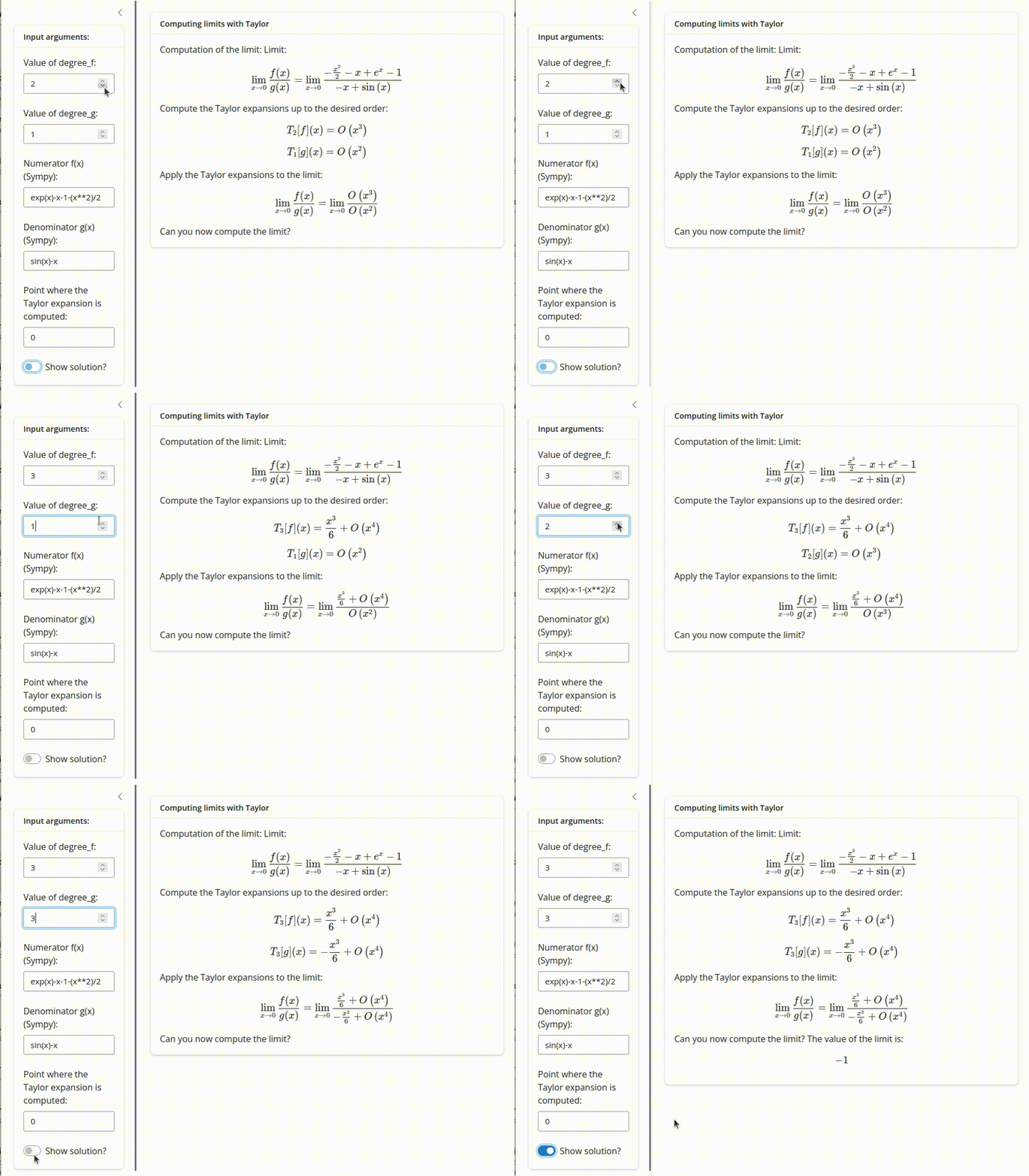
In teaching I like showing small functions that compute Taylor expansions, plot their graphs, compute errors of different approximations, etc.. As my students learn Python and I love it, they are usually in Python. Interactivity through the terminal is rather basic and less visually appealing than most of the interactive apps available online. In this thread I want to share a small utility called letitshine that I wrote to turn these python functions into interactive Shiny apps that can be deployed statically.
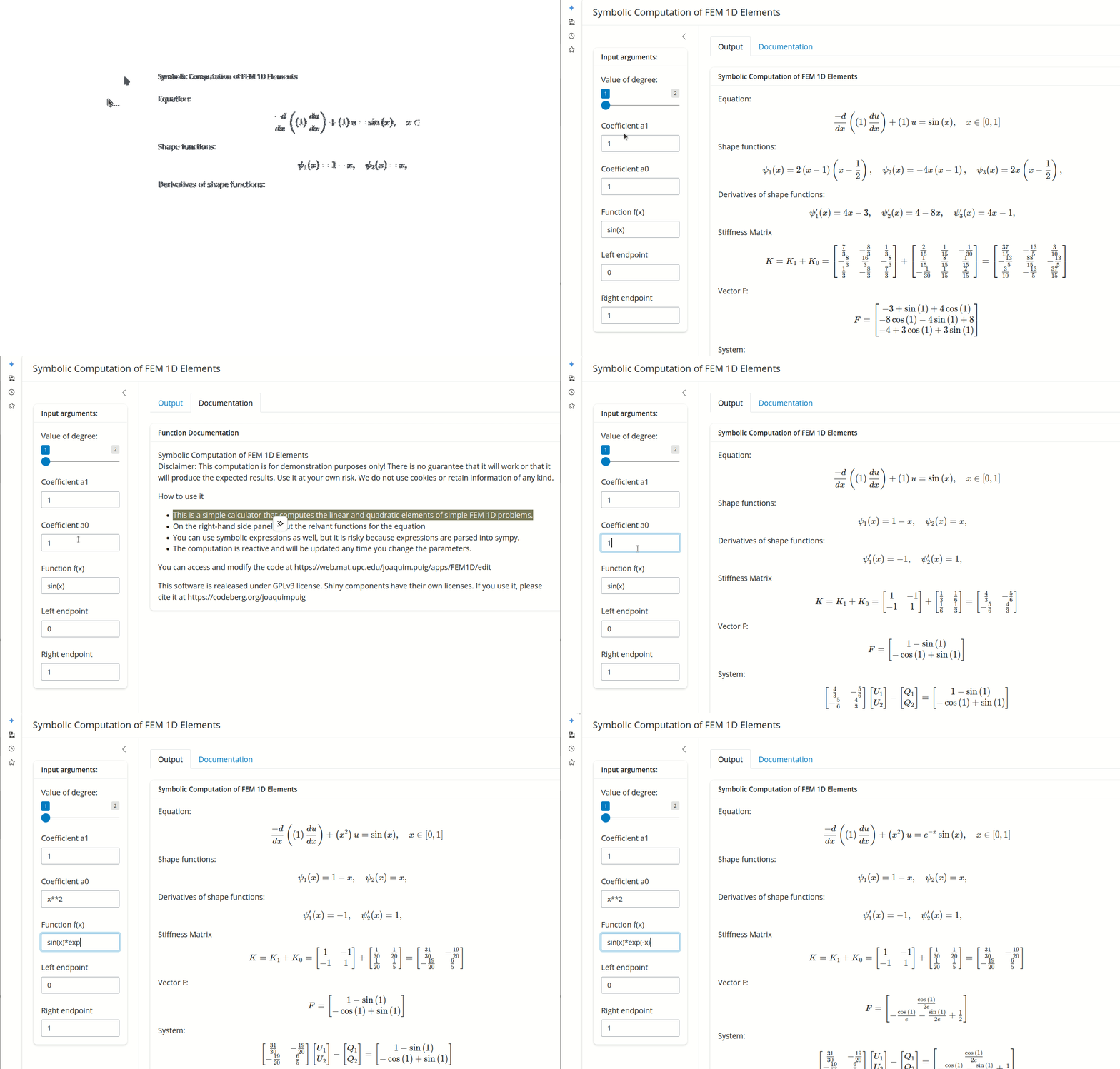
Shiny is a great web framework for producing interactive applications and has versions for R and Python. Originally aimed at data centric apps, it is very suitable for the kind of applications I use in class or in research. Using TeX output requires some effort, but for instance students find very useful the following app for computing FEM elements
A simple example
Assume the simplest 101 Python hello_world function from a module named whatever.py :
def hello_world(your_name):
    return f'Hello {your_name}, how are you?\n'
you then convert it to a Shiny app. The open source letitshinepackage can be installed from https://pypi.org/project/letitshine/ and then the utitlity can be used in the command line
letitshine -i whatever.hello_world --create_appThis will create a file called app_hello_world.py which contains the module text_output.py as well as the necessary code to run the Shiny app simply
shiny run app_hello_world.pyto produce the following output

Deploying your app as a static web app
So far the app is run using the Shiny server and to deploy it directly we would need a client-server. However, using the magic of Shinylive and Pyodide you can create a static website and run it through the browser like in this app.
https://web.mat.upc.edu/joaquim.puig/letitshine/apps/hello_world/
My idea was to help users adopt the wonderful Shiny library and encourage people to make their calculators available to students and researchers, not to be a comprehensive way to turn Python functions in modules into web apps. I have just made a small utility for my needs. I know that there are other ways to do this, but I chose this one. If you want to improve the look you can modify the Python file created by letitshine, but, as a first step, I suggest documenting your function and adding types to variables in standard Python so that letitshine can guess a suitable input. For instance, taking:
def say_hello(your_name:str='Agnesi', say_today:bool=True):
    r"""
    What is your name?

    In this simple app We simply print your name.

    :param your_name: Name to be printed
    :type your_name: str

    :param say_today: Say today in the sentence?
    :type say_today: bool

    :return: Printed message
    :rtype: str

    Examples
    ===========
    >>> say_hello('Descartes')
    'Hello Descartes, how are you today?\n'

    """
    message= f'Hello {your_name}, how are you today?\n' if say_today else f'Hello {your_name}, how are you?\n'
    return message
we can obtain a more appealing web app and, at the same time, improving the original Python function!

I hope that you enjoy it!
References:
Source Code: <https:// codeberg.org/joaquimpuig/letitshine/>
Documentation: https:// web.mat.upc.edu/joaquim.puig/letitshine/
Gallery: https:// web.mat.upc.edu/joaquim.puig/l